Sign Up
Create your Ask Sage account on chat.asksage.ai and get ready to pick a plan.
Table of Contents
Before You Start
- An email address you can receive messages at.
- A strong password (used only for sign-in).
- Access to your email inbox to enter the verification code Ask Sage sends you.
chat.asksage.ai include a 30-day free trial that activates as soon as you verify your email. You can choose a plan whenever you're ready. Where to Find Sign-Up
- Direct link: https://chat.asksage.ai/register
- From the login page: go to https://chat.asksage.ai and click Sign Up beneath the sign-in form.
Step-by-Step
Navigate to chat.asksage.ai and click Sign Up on the login screen.
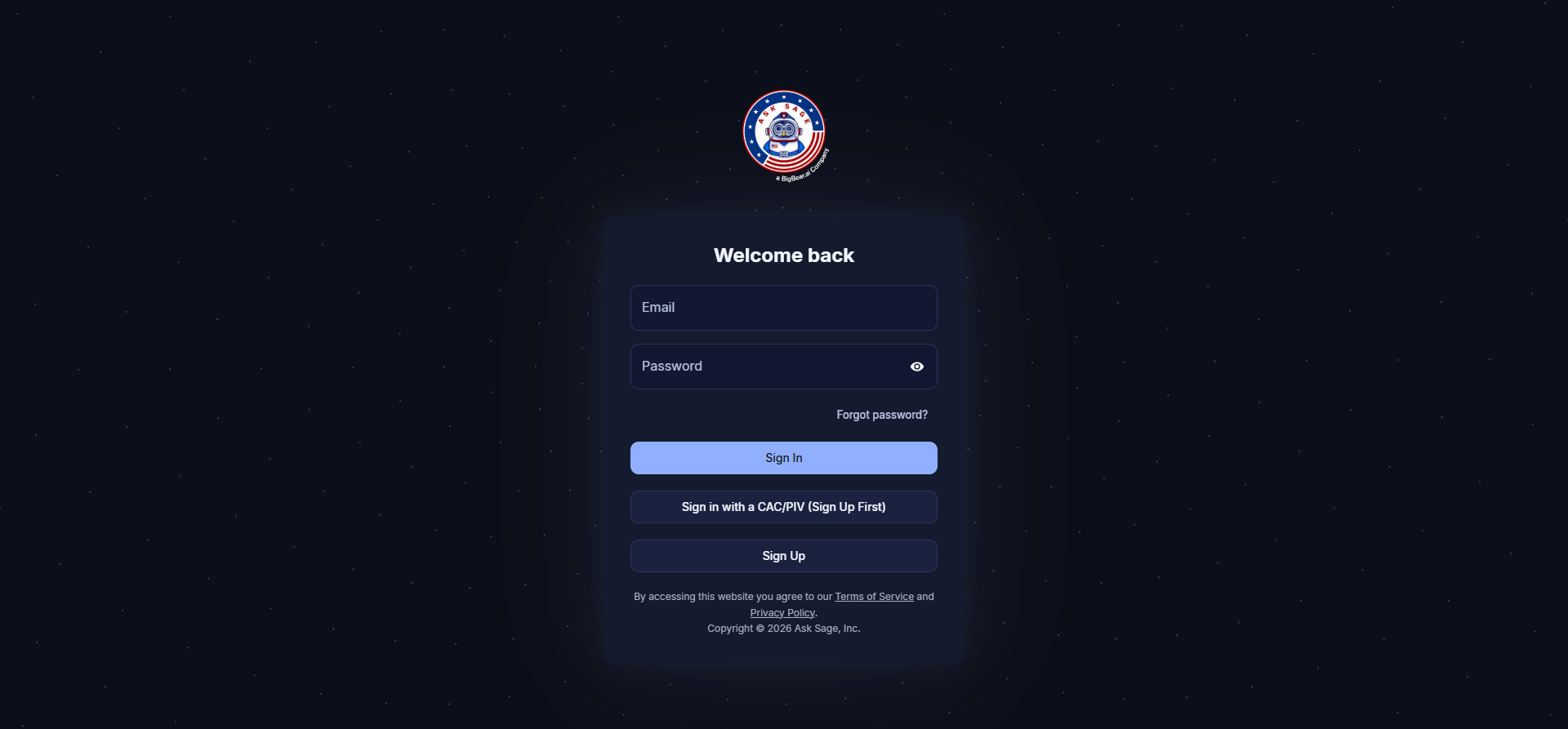
The login page on chat.asksage.ai — click Sign Up to create a new account.
Enter your email, a strong password, and your name. Submit the form when complete.
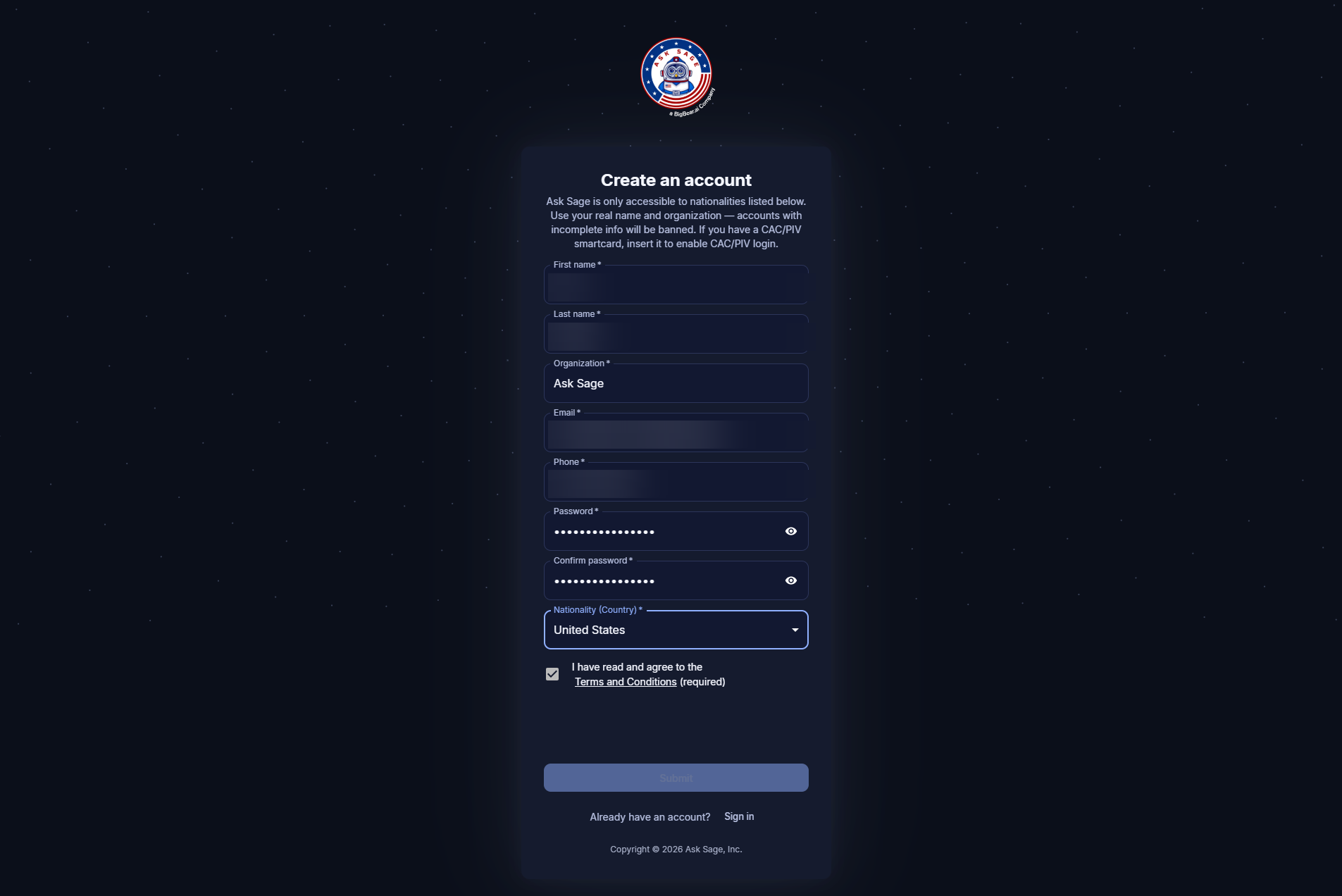
The registration form on chat.asksage.ai/register.
After submitting the registration form, you'll be taken to a Verify your email screen. Check your inbox for a verification code from Ask Sage, enter it here along with your email, and click Login.
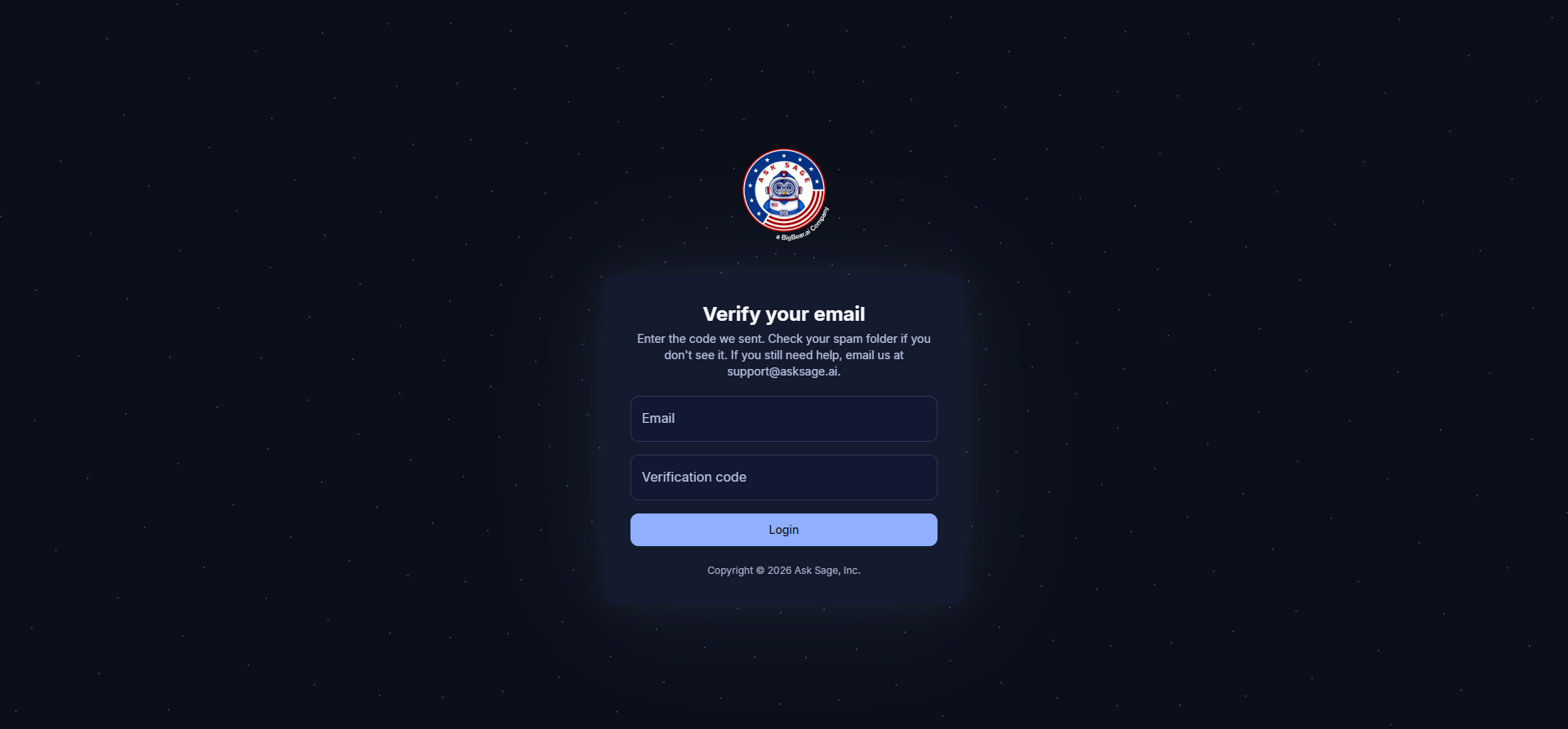
Enter the verification code from your inbox to confirm the email on your new account.
Once your email is verified, sign in at chat.asksage.ai. You'll land on the platform with a 30-day free trial active, ready to choose a plan when you want to.