Model Context Protocol
Unlock seamless AI integrations and extend your model's capabilities with structured, governed tool use.
Table of Contents
Overview
The Model Context Protocol (MCP) is a framework that lets Ask Sage models call external tools and services as part of a conversation. Instead of asking a model to describe what it would do, MCP gives the model a structured way to actually do it — read your calendar, file an issue, fetch a document — within a defined set of permissions and approvals.
MCP is particularly useful when you want to extend the AI beyond what it already knows: adding new tools, editing existing ones, or interacting with external services. Each tool call is scoped, surfaced for approval, and logged, so the integration stays predictable instead of magical.
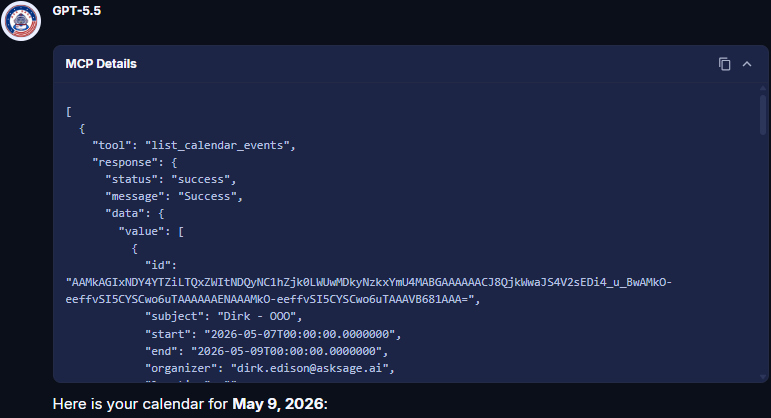
Tool Call Approval Interface — every action is shown to you before it runs.
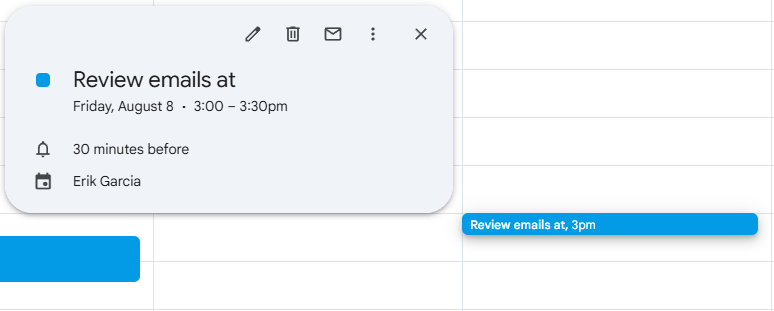
Calendar Management Example — natural language in, structured tool call out.
Hosted MCPs
Hosted MCPs are enterprise-grade, pre-built integrations developed and maintained by Ask Sage. They cover common business platforms and are ready to enable for your tenant — no infrastructure on your side.
Available integrations: Microsoft 365, GitHub, Box, with additional integrations planned.
- Account type: Enterprise account with a minimum of 10M monthly tokens, or a dedicated Ask Sage tenant/instance.
- Activation: Contact your administrator to request hosted MCP access through Ask Sage support at support@asksage.ai.
Where to Next
Microsoft 365 MCP
Calendar, mail, OneDrive, and SharePoint from chat.
GitHub MCP
Repositories, issues, and pull requests from chat.
Box MCP
Files, folders, and shared links from chat.