Model Access Control
Model Access Control
Control which AI models your organization's users can access
Table of Contents
The Model Access Control feature lets administrators restrict which AI models are available to users within an organization. This is useful for compliance, cost management, or ensuring users only access approved models.
Accessing Model Access Control
- Navigate to Organizations in the sidebar
- Click Manage on the target organization
- Select the Models tab
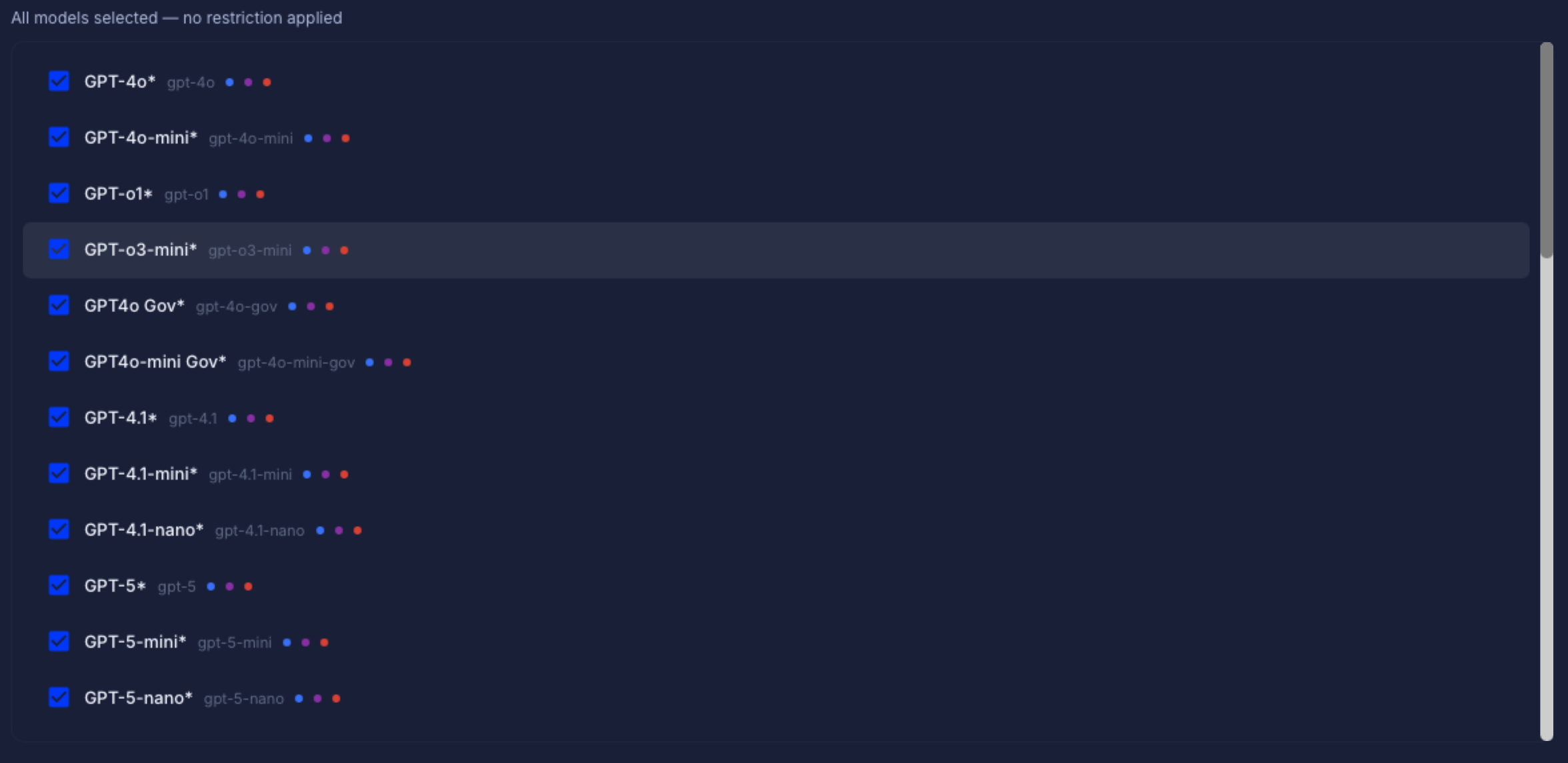
Models tab with tag filters and model checkboxes
How It Works
- All models checked — No restriction. Users see all default platform models.
- A subset of models checked — Only the selected models will be visible to users in this organization.
- No models checked — Not allowed. At least one model must be selected. A warning will appear and the Save button will be disabled.
Tag Group Filters

Tag group chips for bulk model selection
Models are categorized by capability tags. Click a tag chip to select or deselect all models with that tag:
- Reasoning — Core language models for text generation and analysis
- Vision — Models that can process and understand images
- MCP — Models compatible with the Model Context Protocol
- Audio — Speech-to-text and audio processing models
- Image Generation — Models that create images (DALL-E, Imagen, etc.)
- Video Generation — Models that create video content
Each model in the list shows small colored dots next to its name indicating which tags it belongs to.
Searching and Bulk Actions
- Search — Type in the search box to filter models by name, key, or tag
- All — Select all available models (no restriction)
- None — Deselect all models (will show a warning — you cannot save with nothing selected)
The status line below the search bar shows how many models are currently selected out of the total available.
Saving Changes
Click Save Model Access to apply the selection. The system will:
- All models selected → Save as “no restriction” (users see all platform defaults)
- Subset selected → Save the specific model keys
Important: Changes to model access take effect the next time a user in the organization logs in or refreshes their session. Users who are currently logged in will continue to see their existing model list until they sign out and back in.