Automation
Batch processing and iterative task automation to streamline your workflows
Table of Contents
Overview
The Automation category of plugins and agents is designed to help you automate processes. These plugins and agents are designed to help you with repetitive tasks, data processing, and much more. In this section, you will find information on the plugins and agents available in the Automation category and how to use them to enhance your experience with the Ask Sage platform.
List of Automation Plugins & Agents
Loop through each line in the CSV and execute prompt against it iteratively
Loop through each line in the CSV and execute prompt against it iteratively and save to CSV
Loop through each file in the ZIP and execute prompt against each file iteratively
Iterative CSV Prompting
This plugin lets you loop through each line in a CSV file and executes the prompt defined by a user against each line iteratively.
Iterative ZIP Prompting plugin both treat each iteration as its own instance and do not share data between iterations. Therefore we will demonstrate how the Iterative CSV Prompting plugin works to process multiple rows of data.
| Purchase Order ID | Item Description | Quantity | Unit Price | Total Price | Supplier | Department |
|---|---|---|---|---|---|---|
| PO12345 | Laptops | 50 | $1,200.00 | $60,000.00 | Tech Solutions Inc. | IT Department |
| PO12346 | Office Chairs | 100 | $150.00 | $15,000.00 | Office Supplies Co. | Facilities |
| PO12347 | Printer Paper | 500 | $5.00 | $2,500.00 | Paper Goods Ltd. | Admin Department |
| PO12348 | Desktop Computers | 30 | $800.00 | $24,000.00 | Computers R Us | IT Department |
| PO12349 | Projectors | 10 | $500.00 | $5,000.00 | AV Equipment Inc. | Training Department |
Evaluate and check if the purchase was greater than $5,000.
{csv_line}
If the purchase order was greater than $5,000,
provide the PO ID, contract used, and the affiliated organization.
Additionally, if the PO was less than $5,000, do not return any information and print 'done'.Zero-shot learning. 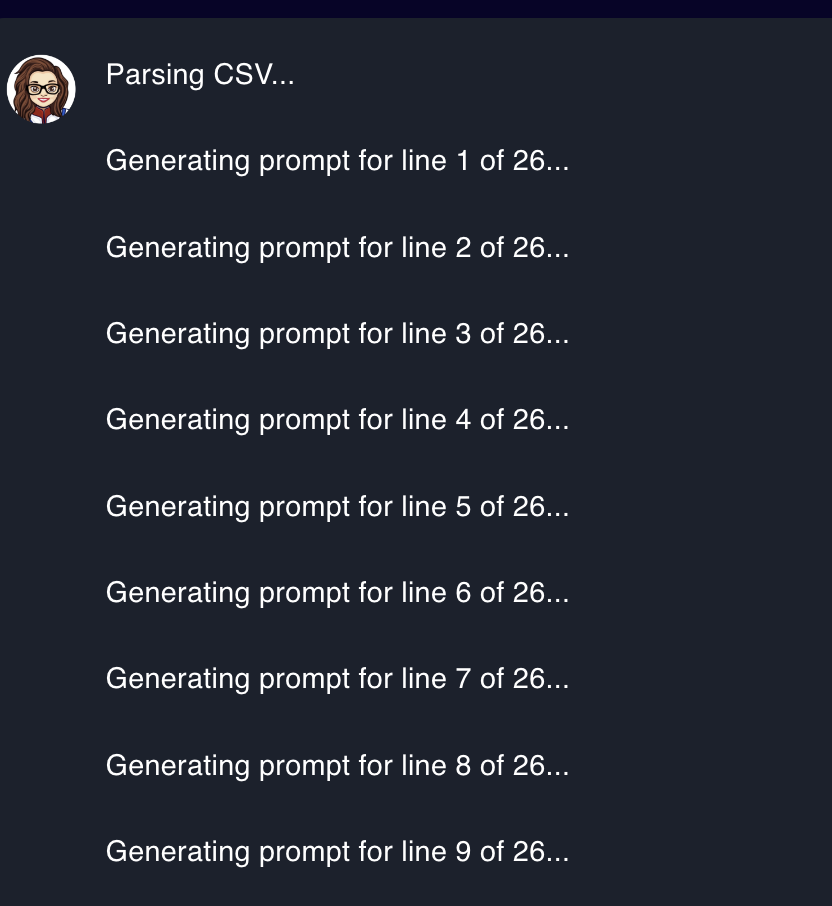
Purchase Order ID: PO12345; Item Description: Laptops; Quantity: 50; Unit Price: 1200.0; Total Price: 60000; Supplier: Tech Solutions Inc.; Purchase Date: 7/1/24; Delivery Date: 7/15/24; Contract Number: CN98765; Department: IT Department; If the purchase order was greater than $5,000, provide the PO ID, contract used, and the affiliated organization. Additionally, if the PO was less than $5,000, do not provide anything. To evaluate if the purchase order was greater than $5,000, we need to check the total price of the purchase order. In this case, the total price is $60,000, which is greater than $5,000.
- PO ID
- Contract Number
- Affiliated Organization
Iterative ZIP Prompting
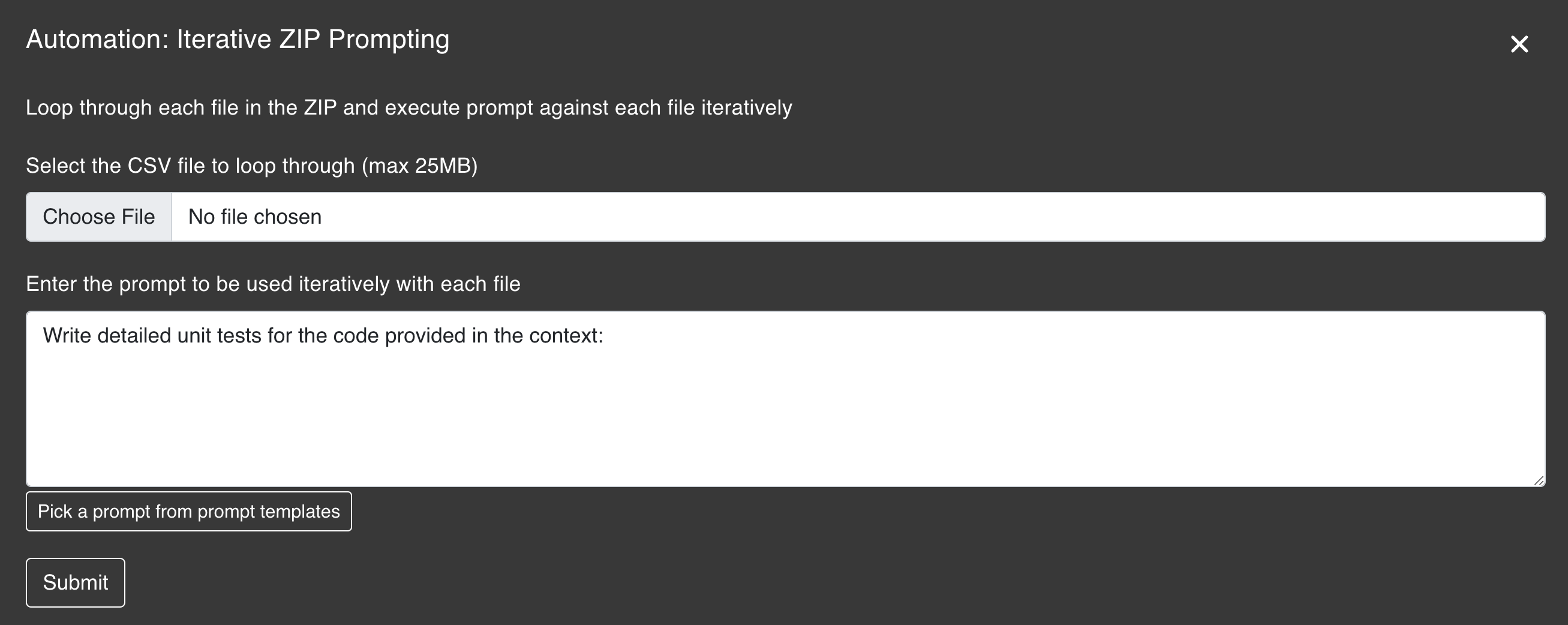
This plugin lets you loop through each file in a ZIP file and executes the prompt defined by a user against each file iteratively.
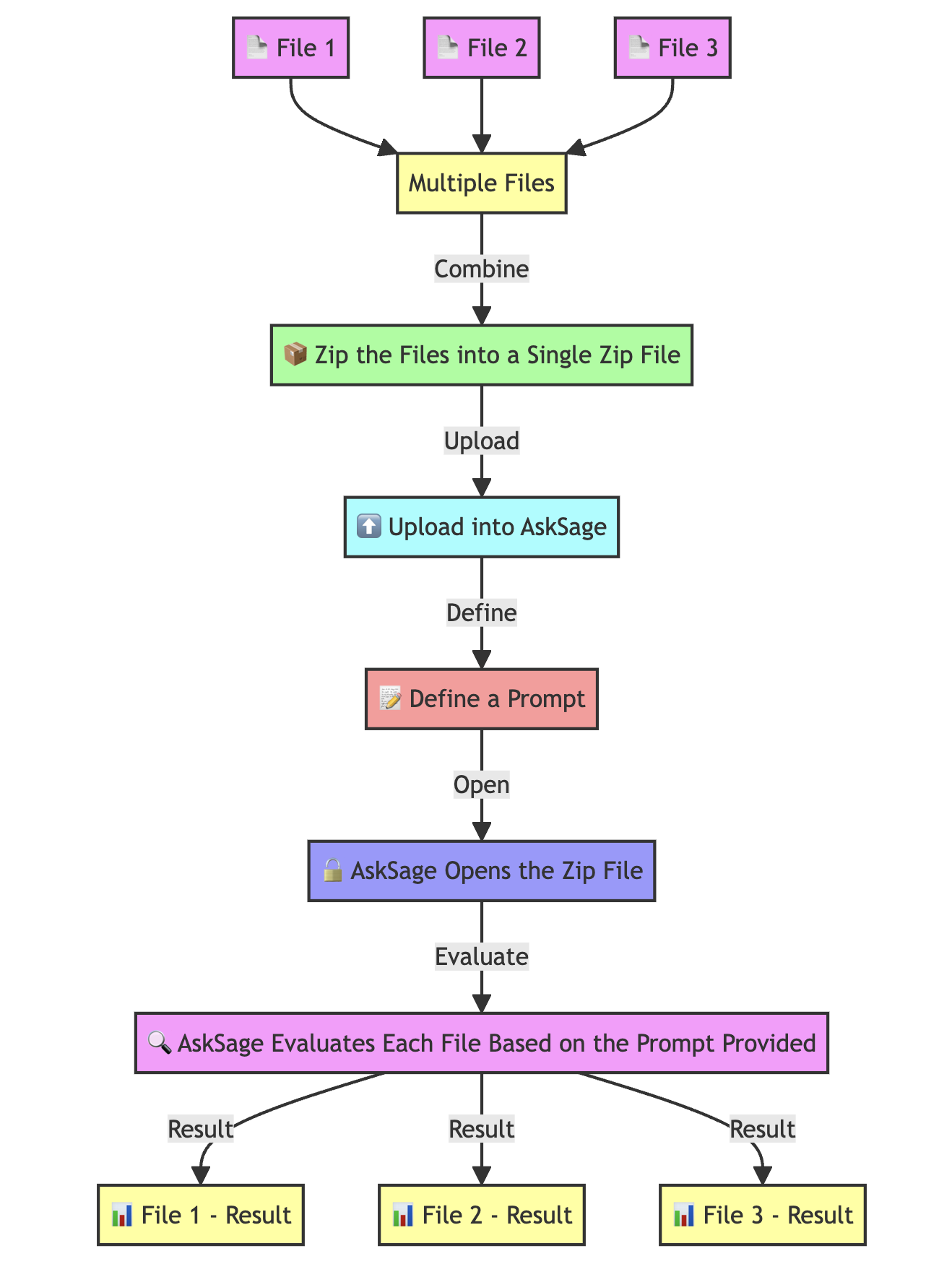
Therefore we will demonstrate how the Iterative ZIP Prompting plugin works to process multiple markdown files.
Iterative ZIP Prompting plugin. 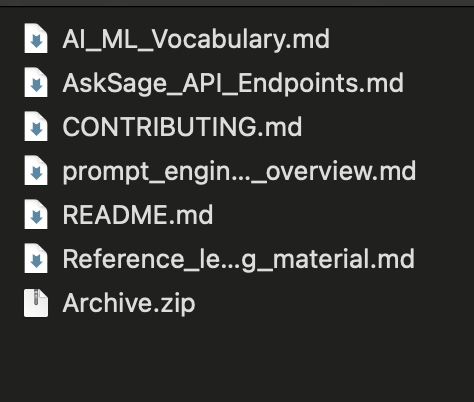
25MB in size. Evaluate the context in the file by grading the following Criteria: (1 = Poor, 10 = Excellent)
1. Context
2. Organization (Flow of the writing)
3. Misspellings (Identify any if they are present)
4. Tone
5. Engaging
Lastly, provide details on how to make the document better.Criteria Evaluation:
Overall, the context of the document is clear and provides a comprehensive overview of the Ask Sage platform and API. The organization of the document is generally good, with clear headings and subheadings.
Recommendations:
- Add more examples and visuals to demonstrate the concepts
- Include code snippets, diagrams, or screenshots
- Provide more specific details and explanations for each section
Important Considerations
Iterative CSV Prompting and Iterative ZIP Prompting plugins are great tools to help you automate repetitive tasks and process data efficiently. However, it is important to take into consideration: - The volume of data (Tokens) being processed
- The complexity of the prompt
- You may need to adjust the prompt or break down the data into smaller chunks
- Ensure optimal performance and not exceed your token limit
Summarize TextSummarize WebsiteSummarize File